
It reads the label, not just the field name
- DOB→Date of Birth
- Mobile→Phone number
- PIN→Postal code
- Alma mater→College
Hundreds of aliases built in. Anything it isn't sure of, it skips instead of guessing.
On the Chrome Web Store · Free · Local only
FormFill keeps your details in named profiles and drops them into any web form in a single click — scholarship portals, job applications, event signups, government forms. Nothing leaves your device.
Works on Chrome, Edge, Brave, Arc · No sign-up · No telemetry
Try it — drag a value onto a field Try it — tap a value to place it
It really is this simple.
What it does
Hundreds of aliases built in. Anything it isn't sure of, it skips instead of guessing.
"B.Tech" finds "Bachelor of Technology".
{{age}}→22Computed the moment you fill. Never edit your age again.
Per question, per site.
A sidebar that moves, resizes and stays put.
Alt instead of ⌃ on Windows and Linux.
How to use
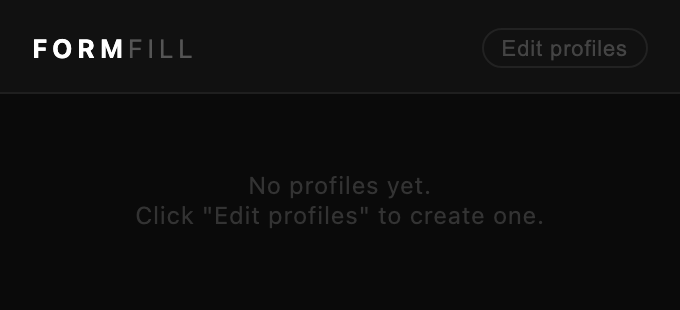
Pin FormFill to the toolbar and click it. The popup walks you through the three steps; the editor opens by itself on install with a starter profile ready to fill in.
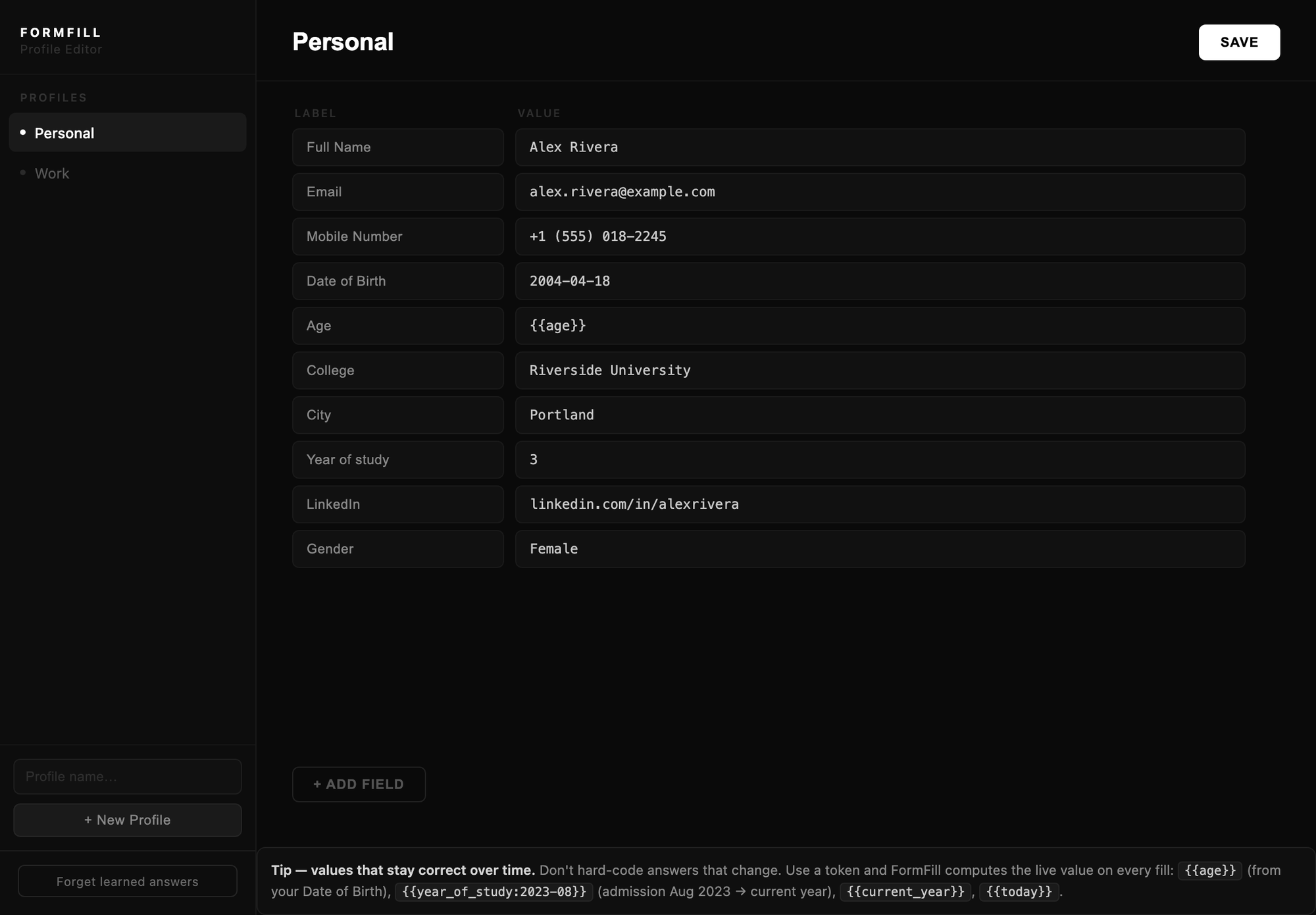
One row per detail — label left, value right. Plain wording matches best: Full Name, Email, Date of Birth.
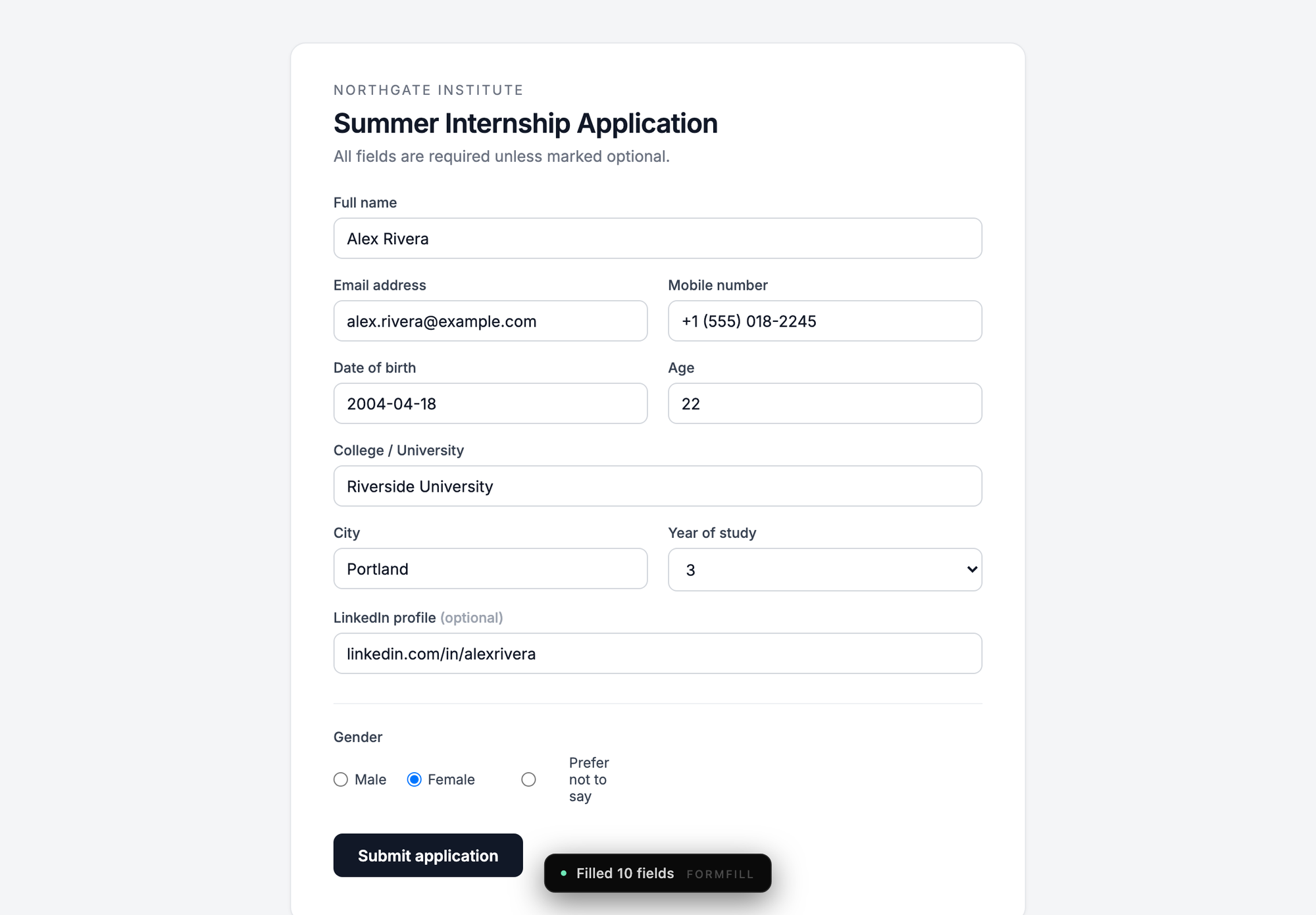
Click the icon and press Fill All — or hit ⌃ ⇧ F and skip the popup entirely.
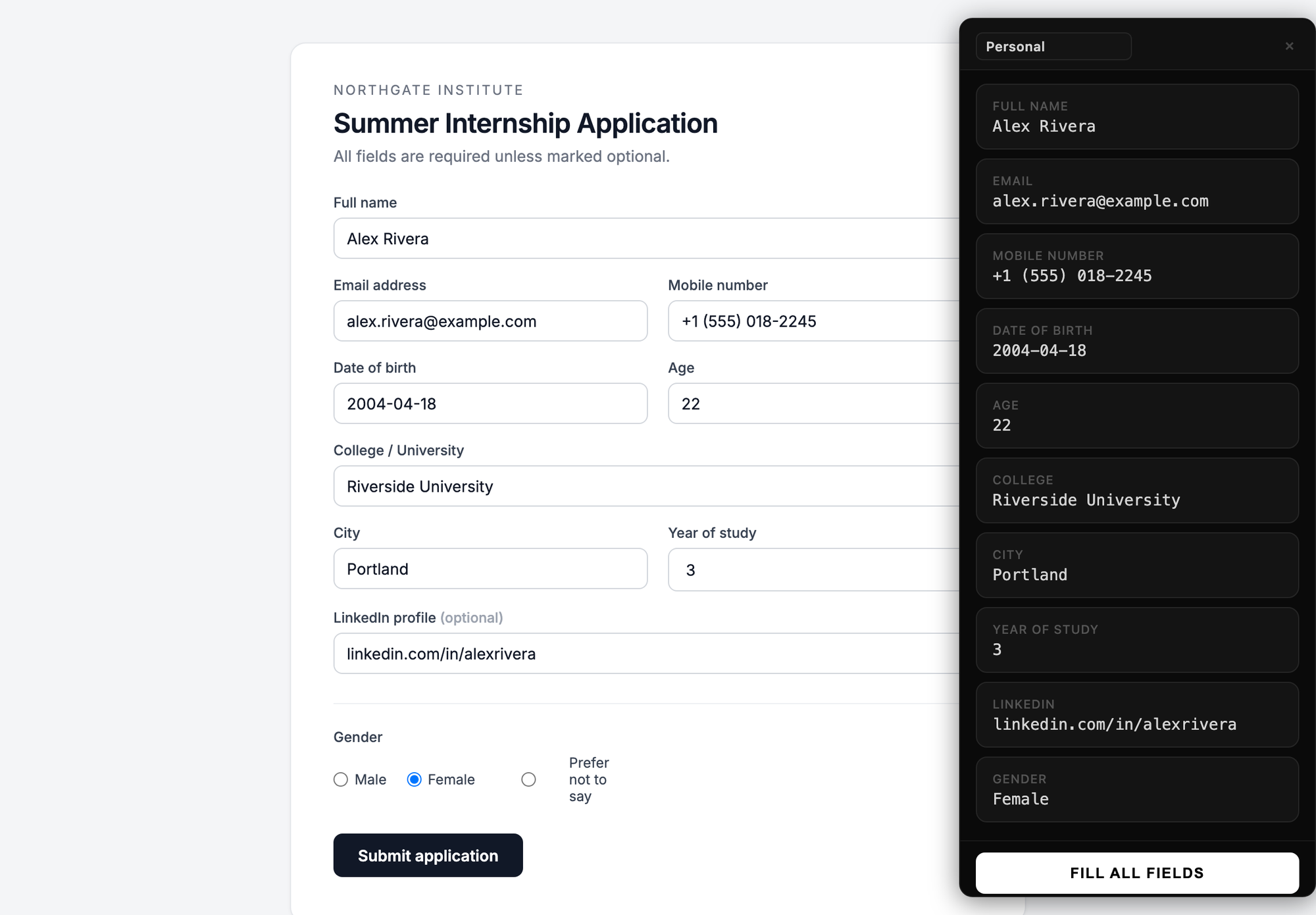
⌃ ⇧ S opens the sidebar. Drag any value onto whatever the matcher missed. Same keys close it.
| Windows / Linux | macOS | What it does |
|---|---|---|
| Alt Shift F | ⌃ ⇧ F | Fill the page with your first profile. |
| Alt Shift S | ⌃ ⇧ S | Open the sidebar — press again to close. |
| Token | Resolves to |
|---|---|
{{age}} | Your age today, from your Date of Birth row — written as 2005-05-10, 10/05/2005, 10.05.2005 or 10 May 2005. Anything it can't read with certainty it says so; anything impossible it skips, never guesses. |
{{year_of_study:2023-08}} | Academic year, counted from admission. |
{{current_year}} | This calendar year. |
{{today}} · {{today:iso}} | Today's date, local or YYYY-MM-DD. |
Both shortcuts can be remapped at chrome://extensions/shortcuts.
Privacy
FormFill has no backend, because it doesn't need one. Profiles live in your browser's local storage, the fill logic runs on the page you're looking at, and the extension ships with zero remote code.
Everything sits in chrome.storage.local on your device. No sync, no cloud, no server.
No sign-up, no analytics, no telemetry, no third-party scripts of any kind.
storage to save profiles; activeTab and scripting to fill the tab you're on — only when you ask.
Remove a profile from the options page, wipe learned answers with one button, or uninstall to erase everything.
FAQ
No. Everything you save is stored on your own device using the browser's chrome.storage.local API. There is no server, no account, no analytics and no remote code — FormFill works with the network switched off.
Text, email, tel, number and date inputs, textareas, dropdowns, radio buttons and checkboxes. It matches on the visible label, the placeholder, the name, the id and the autocomplete attribute, and understands aliases and abbreviations — DOB for date of birth, Mobile for phone, PIN for postal code.
Correct it once. FormFill remembers that answer for that question on that site and repeats it next time. You can clear every learned answer with the Forget learned answers button on the options page.
Yes — as many as you like. Switch between them in the popup or from the dropdown in the sidebar header, and tick only the fields you want before filling.
No. Values are kept unencrypted in your browser profile, like other local extension data, so anyone with access to your OS user account could read them. Use FormFill for names, contact details, addresses, education and application information — keep passwords in a password manager.
⌃ Control ⇧ Shift F fills the page and ⌃ Control ⇧ Shift S opens or closes the sidebar. macOS takes ⌃ Control where Windows and Linux take Alt, because the ⌥ Option combinations are already claimed there. Remap either at chrome://extensions/shortcuts.
Yes. FormFill is a Manifest V3 extension and runs on any Chromium browser from version 98 upward, including Edge, Brave, Arc, Opera and Vivaldi.
Three usual causes: the page is a restricted browser page (chrome://, the Web Store) where extensions cannot run; the form lives inside an iframe from another domain; or the labels are too unusual to match confidently. The sidebar handles the last two — drag your values in by hand. One more, for a single field: a token it can't compute — {{age}} with no Date of Birth row, say — is skipped rather than typed in, and the confirmation tells you which and why.
Free, local, and about two minutes to set up.